
Coding the Cartesian Plane
- Brendan Roy
- Jan 21, 2017
- 1 min read

Lesson Overview: This lesson package covers three days from my third practicum and was used as an introduction to using coding in math for the eighth grade students. This lesson starts with an introduction to the block based coding website Scratch. It introduces several key features while providing time for students to explore and make their own observations about the program.

Following the introduction to Scratch, students apply their knowledge to the Cartesian plane and explore how to plot points using Scratch. A WODB activity is used to introduce the concept of the four quadrants. Once students are comfortable with the Cartesian plane, they use Scratch to apply transformations to a shape.
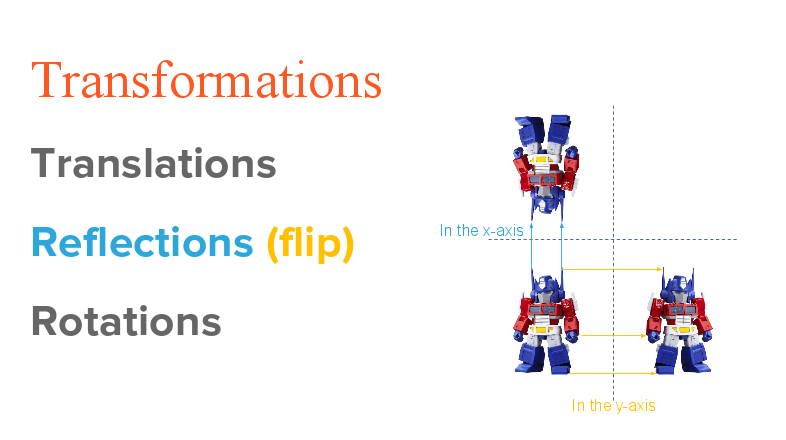
In the final lesson, students are tasked with creating an image in scratch that is symmetrical across one of the axis. The entire period was dedicated to this project and students were peer assessed upon completion.

The resources used for this lesson can be found at this link:


Comments